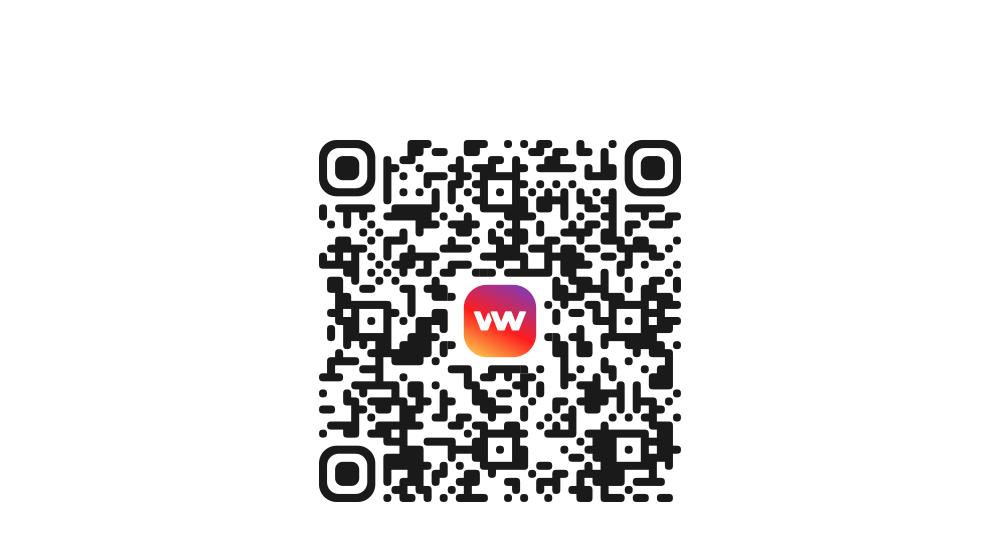
Get the VouWallet app
Scan the QR-code
How to protect your e-wallet

We’ve put together a daily e-wallet protection checklist to help keep your account safe from attackers
1. Check your wallet activity
Log in to your wallet and check the list of recent transactions. If anything looks suspicious, it’s better to freeze the account and make sure your access is secure and that only you have it.
2. Check the list of devices
Check which devices are logged in to your wallet — if a device doesn’t look like yours, remove it from the list.
3. Don’t follow unfamiliar links
Ignore any links in emails, chats and social media until you have checked them — look carefully to make sure that google.com isn’t hiding a look-alike site with a q instead of a g.
4. Never reveal private data
Never share with anyone, anywhere, under any circumstances:
5. Keep your backups in order
Check that paper copies of your seed phrases or keys are stored in a secure place. Don’t keep any photos or scans on your phone or in Google Drive.
1. Check your wallet activity
Log in to your wallet and check the list of recent transactions. If anything looks suspicious, it’s better to freeze the account and make sure your access is secure and that only you have it.
2. Check the list of devices
Check which devices are logged in to your wallet — if a device doesn’t look like yours, remove it from the list.
3. Don’t follow unfamiliar links
Ignore any links in emails, chats and social media until you have checked them — look carefully to make sure that google.com isn’t hiding a look-alike site with a q instead of a g.
4. Never reveal private data
Never share with anyone, anywhere, under any circumstances:
- Your seed phrase
- Private keys
- 2FA codes
- Codes from text messages
5. Keep your backups in order
Check that paper copies of your seed phrases or keys are stored in a secure place. Don’t keep any photos or scans on your phone or in Google Drive.
Download the app
Available in App Store and Google Play
Use the QR-code