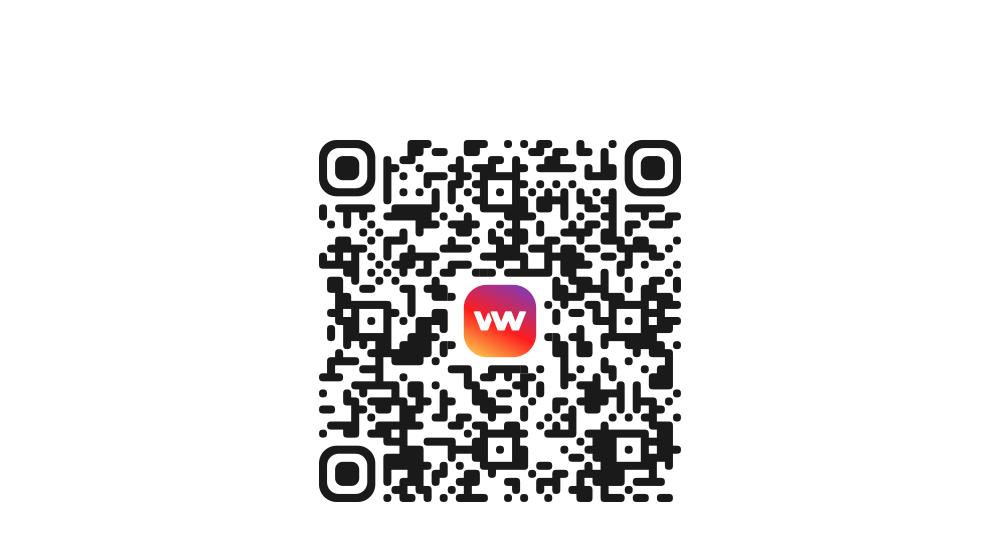
Get the VouWallet app
Scan the QR-code
How to withdraw USDT and other digital currencies in VouWallet

First, open the VouWallet app. Then:
1. Go to the “Withdraw” tab
2. Choose the currency you want to send
3. Enter the amount
4. Enter the recipient’s wallet address or scan the QR code.
Important! Make sure the account you are sending funds to is on the same network as yours (for example, Tron, Ethereum or Bitcoin)
5. Tap “Withdraw”
2. Choose the currency you want to send
3. Enter the amount
4. Enter the recipient’s wallet address or scan the QR code.
Important! Make sure the account you are sending funds to is on the same network as yours (for example, Tron, Ethereum or Bitcoin)
5. Tap “Withdraw”
Download the app
Available in App Store and Google Play
Use the QR-code